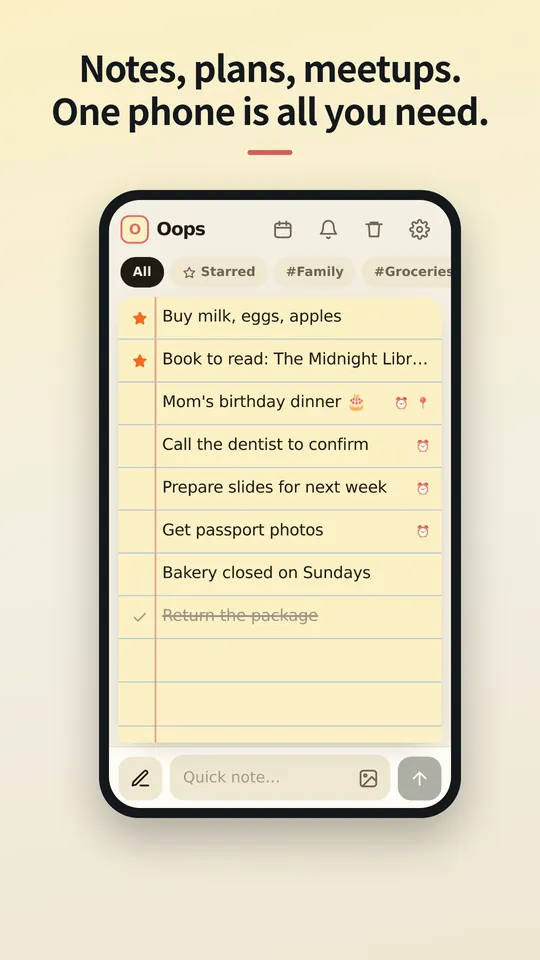
Notatki, plany, spotkania. Wystarczy jeden telefon.
Nie wysyłaj ich do chmury. Nie synchronizuj między urządzeniami. Najbezpieczniejsze miejsce to telefon, który już trzymasz w ręku. Notatki i harmonogramy, wspólne plany i wskazówki dojazdu, kopie zapasowe i przywracanie: trzymaj wszystko w OopsMemo, zamknięte w telefonie, we własnym sejfie.
Wersja na iPhone'a wkrótce.
Zapisz to w chwili, gdy przyjdzie do głowy.
Jeden pasek na dole robi obie rzeczy: wpisz tekst, aby dodać notatkę, dotknij pióra, aby szukać. Gdy otwiera się klawiatura, wszystko przesuwa się razem z nią.
Przesuń w prawo, aby oznaczyć. Przesuń w lewo, aby przekreślić.
Przesuń przekreśloną notatkę jeszcze raz, a trafi do kosza. Zmieniłeś zdanie? Przesuń w drugą stronę, aby cofnąć o jeden krok.
Zdjęcia żyją wewnątrz notatki.
Dołączaj zdjęcia z galerii lub wklejaj je. Widzisz, co czeka, zanim zapiszesz notatkę, a jedno dotknięcie otwiera zdjęcie na pełnym ekranie z powiększaniem gestem szczypania.
Zapisane na Twoim telefonie. Nigdzie indziej.
Notatki i zdjęcia są przechowywane jako pliki w aplikacji na Twoim urządzeniu. Nie ma logowania ani synchronizacji, więc na serwerze nie ma niczego, co ktoś mógłby przeczytać.
Nowy telefon? Zabierz jeden plik.
Wyeksportuj plik kopii zapasowej, wyślij go sobie dowolnym sposobem i przywróć na nowym telefonie. Usunięte notatki czekają w koszu 30 dni, a potem znikają na dobre.
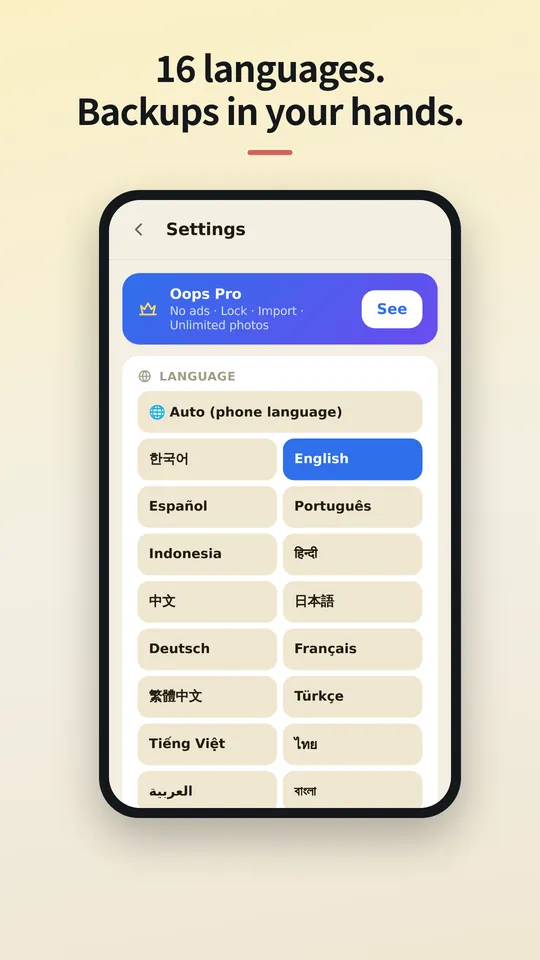
W Twoim języku.
OopsMemo mówi w wielu językach i podąża za językiem Twojego telefonu. Wybierz swój tutaj lub zmień go w dowolnej chwili w aplikacji.
Let us be honest first
- Genuinely usable for free
Notes, photos, categories, search, plan sharing, maps, backup, voice memo, hands-free, up to 5 reminders. No sign-up, no card, no trial that locks you out later.
- There is one ad
One banner at the bottom of the free version. Google uses device info such as the advertising ID to show it. Your notes are never used for ads or sent anywhere.
- Pro buys convenience
No ads · app lock · unlimited reminders. Monthly, yearly or a one-time lifetime purchase, priced in your store. Only if you like it.
- The only times it goes online
Ads (free version), purchase check, finding a place on the map, speech-to-text (your phone’s speech service), feedback (only when you send it). There is no server for notes at all.
- Doubt it? Use airplane mode
Writing, search, photos, reminders and backup all keep working. Speech-to-text and maps may need a connection.
- The flip side
There is no cloud copy. If you lose your phone, your backup file is the only way back. Please keep one.
- Hands-free differs a little by phone
Hands-free uses your phone’s own speech recognition, so when it starts listening and how long it waits vary by device, and the app can’t control that. Have an idea to make it better? Send it via Support › Send feedback. Any language is welcome, and we read every message. Friends around the world, we’d love your help.



The cloud you once agreed to — do you know what it still keeps, and for how many years?
OopsMemo never uploads anything in the first place. Your notes live only on your phone.
No need to open the app. Right from your home screen.
With one home screen widget, you jot it down the moment it comes to mind. Just three buttons.
- One widget on your home screen
No hunting for the app. The widget has three buttons: new note · 🎤 · 🎧. There is also a widget that shows your upcoming plans.
- + New note: write right away
Tap it and a new note opens, ready to write. Type, close, done.
- 🎤 Voice memo: free for everyone
Tap and speak; it is written down as text. For busy hands or ideas on the go.
- 🎧 Hands-free: no need to look
A voice asks, you answer, and the note is saved with its reminder time. Free for everyone.
- How to add the widget
Long-press an empty spot on your home screen → Widgets → OopsMemo → drop it where you like. Menu names vary a little by phone.
Free. The only ad is one strip at the very bottom.
Everything you need for notes is free. Here is exactly where the ad shows, and where it never does.
- At the bottom, and only there
The free version has one banner strip at the very bottom of the screen. The app moves up by its height, so it never covers your notes or the input bar.
- It disappears while you type
Tap the input bar and the keyboard comes up: the ad hides. There is no ad on the lock screen or the map either.
- Nothing ever covers your screen
Ads that pop up mid-task are the worst. OopsMemo has none of these:
- No full-screen ads
- No videos you must watch to continue
- No ads when the app opens
- No ads in reminders or widgets
- A small favor for the maker
The ad sits only where it will not get in your way. Please bear with it so the app can keep improving. Do not want ads? Pro removes them instantly.
Za darmo
Zawsze za darmo
- Nieograniczone notatki i wyszukiwanie
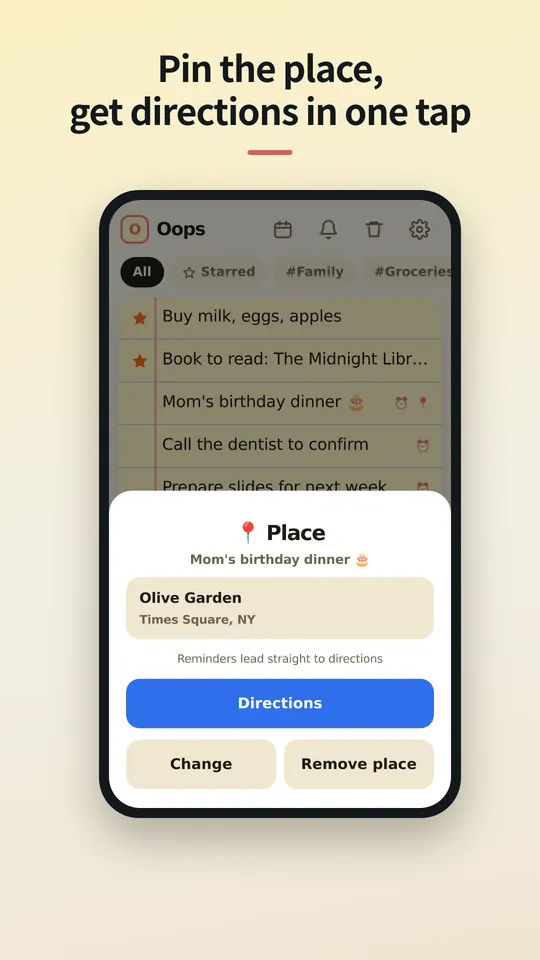
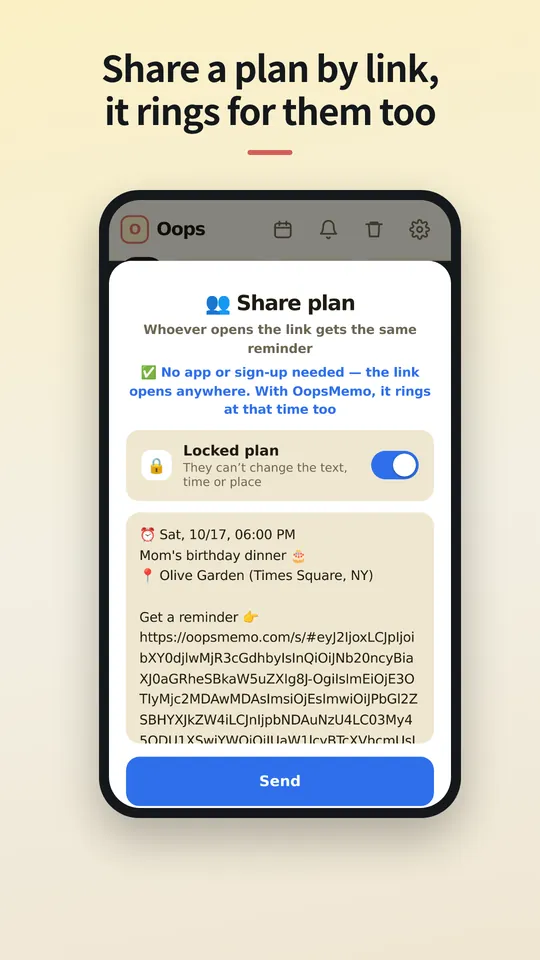
- Udostępnianie linkiem i wskazówki dojazdu jednym dotknięciem
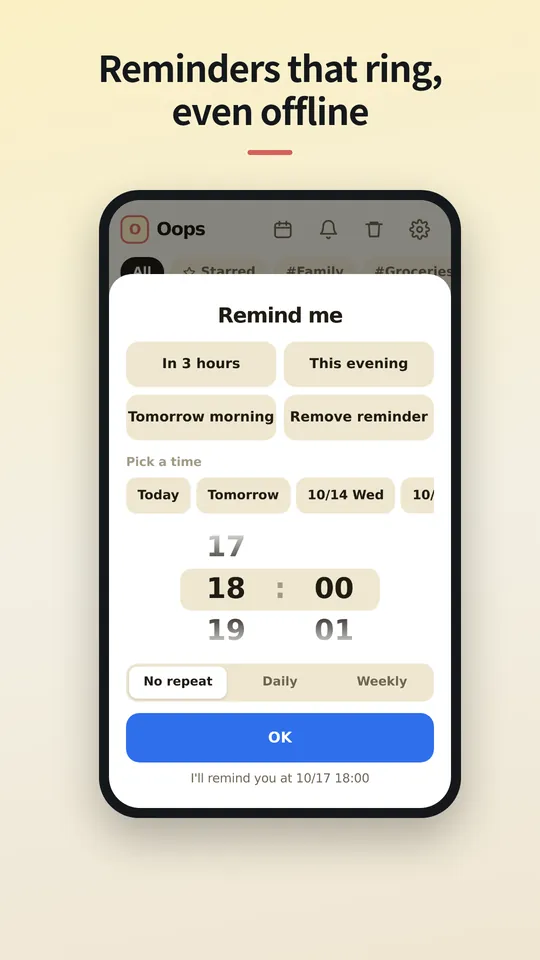
- Do 5 przypomnień, historia powiadomień z 24 godzin
- Nieograniczony import z innych aplikacji do notatek
- Nieograniczone zdjęcia i kategorie
- Kopia zapasowa i przywracanie
- Notatki głosowe i tryb bez użycia rąk (telefon; na PC wkrótce)
Pro
Miesięcznie, rocznie lub na zawsze, z ceną dla Twojego kraju w Twoim sklepie z aplikacjami.
- Bez reklam
- Nieograniczone przypomnienia i pełna historia powiadomień
- Blokada aplikacji kodem PIN
- Wybierz, jak długo kosz przechowuje notatki
Pytania
Gdzie są przechowywane moje notatki?
Tylko na Twoim telefonie, w pamięci samej aplikacji. Jeśli odinstalujesz aplikację, notatki znikną razem z nią, więc najpierw wyeksportuj kopię zapasową.
Czy osoba, której udostępniam, potrzebuje aplikacji?
Nie. Link otwiera się w każdej przeglądarce, gdzie można zobaczyć czas i miejsce, dodać wydarzenie do kalendarza i uzyskać wskazówki dojazdu. Jeśli ma OopsMemo, przypomnienie zadzwoni na jej telefonie o tej samej porze.
Czy potrzebuję konta?
Nie. Pro jest powiązane z kontem sklepu, w którym je kupiłeś (Google Play lub App Store), i wraca na nowym telefonie. Ponieważ nie ma logowania, Pro na Androida i Pro na iPhone'a nie można przenosić między sobą.
Dlaczego jest reklama?
Jeden mały baner sprawia, że OopsMemo jest darmowe dla wszystkich. Pro go usuwa.
Czy mogę przenieść notatki z innych aplikacji?
Tak. OopsMemo odczytuje pliki eksportu większości aplikacji do notatek: tekst, CSV, JSON, Evernote (ENEX) i ZIP. Za darmo i bez limitu.
Czy jest wersja na iPhone'a?
Wkrótce. Kończymy ją, razem z Pro.
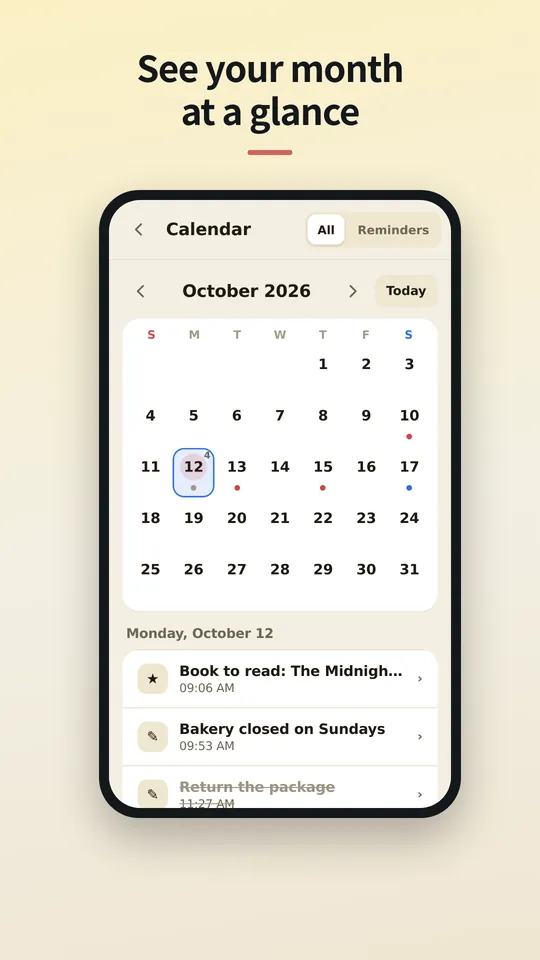
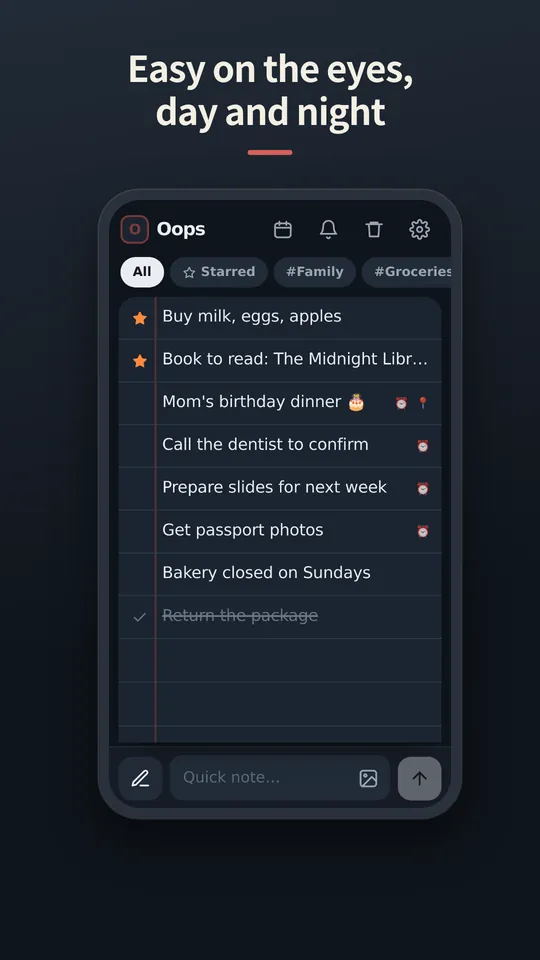
Zobacz aplikację
Ekrany po polsku wkrótce. Na razie po angielsku.
Coming soon
Wrapping up, Pro included. We'll write the date here first — we're a notes app, after all.
We've started building it. We'll share a date once we're sure.